Key Takeaways
- Finding the right keywords is one of the most important parts of SEO.
- Keyword research tools help you discover what people are searching for, how competitive keywords are, and which terms can bring traffic to your website.
- The good news is that you don’t always need expensive software.
- Many free keyword research tools provide valuable insights for beginners and small websites.
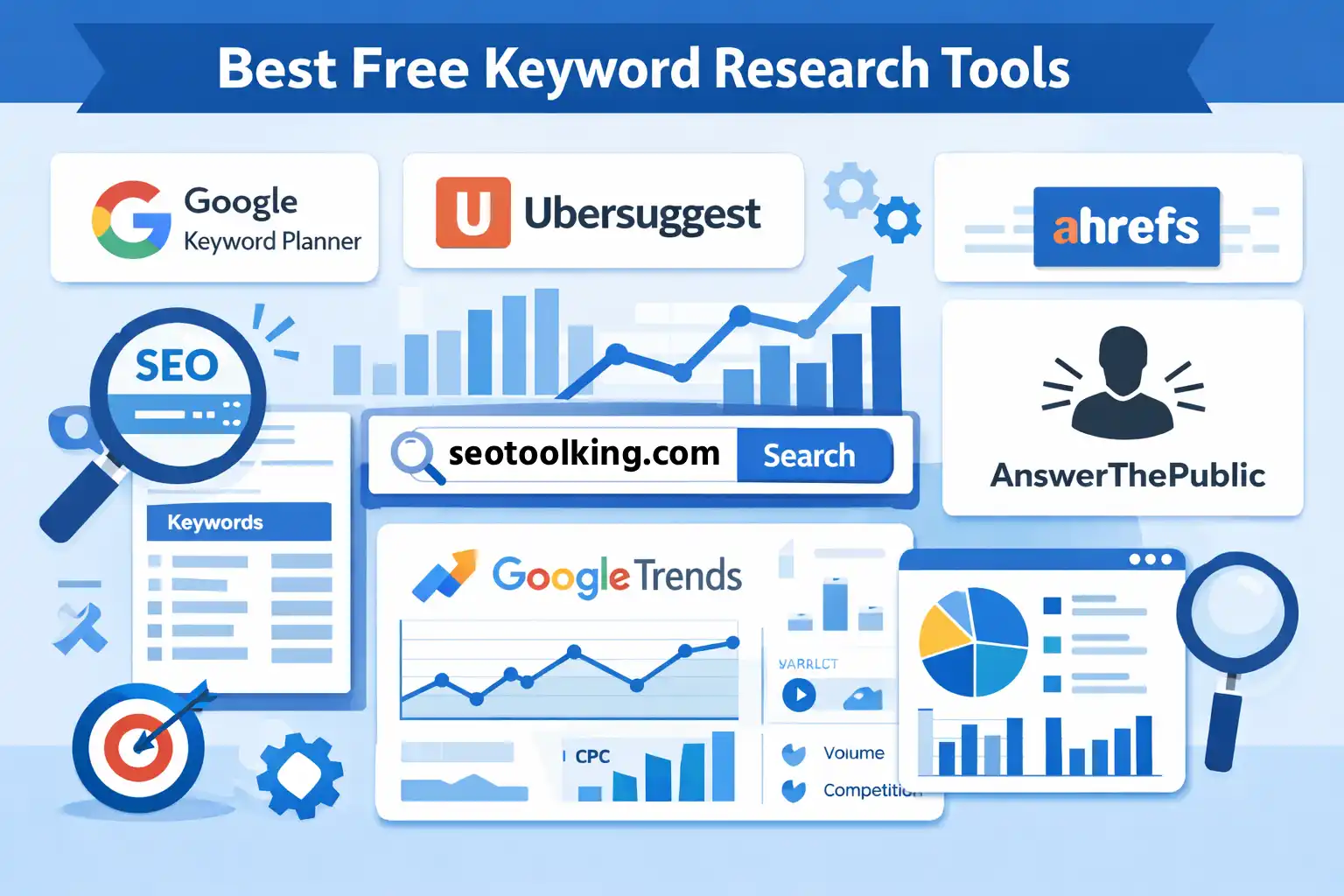
- This guide covers the best free keyword research tools, their features, benefits, and how to use them effectively.
- Keyword research tools help website owners and marketers:Discover keyword ideasAnalyze search volumeCheck keyword competitionUnderstand search intentFind long-tail keywordsThese tools make it easier to create content that matches what users are searching for.
Finding the right keywords is one of the most important parts of SEO. Keyword research tools help you discover what people are searching for, how competitive keywords are, and which terms can bring traffic to your website.
The good news is that you don’t always need expensive software. Many free keyword research tools provide valuable insights for beginners and small websites.
This guide covers the best free keyword research tools, their features, benefits, and how to use them effectively.
What Are Keyword Research Tools?
Keyword research tools help website owners and marketers:
- Discover keyword ideas
- Analyze search volume
- Check keyword competition
- Understand search intent
- Find long-tail keywords
These tools make it easier to create content that matches what users are searching for.
Why Keyword Research Is Important
Keyword research helps:
- Improve search engine rankings
- Drive targeted traffic
- Understand user behavior
- Create relevant content
- Increase website visibility
Without proper keyword research, it becomes difficult to rank your content effectively.
Features to Look for in a Keyword Research Tool
Search Volume
Shows how many people search for a keyword monthly.
Keyword Difficulty
Indicates how hard it is to rank for a keyword.
Related Keywords
Provides additional keyword ideas.
Search Intent
Helps understand why users search for a keyword.
SERP Analysis
Shows which pages rank for a keyword.
Best Free Keyword Research Tools
Google Keyword Planner
Google Keyword Planner is one of the most popular free keyword tools.
Features
- Keyword suggestions
- Search volume estimates
- Competition analysis
- Related keyword ideas
Best For
Beginners and Google Ads users.
Pros
- Free to use
- Reliable Google data
- Easy keyword discovery
Cons
- Limited detailed SEO metrics
- Requires Google account
Ubersuggest
Ubersuggest is beginner-friendly and provides SEO keyword insights.
Features
- Keyword ideas
- SEO difficulty
- Search volume
- Content suggestions
Best For
Beginner bloggers and small websites.
Pros
- Easy interface
- Free daily searches
- Good keyword suggestions
Cons
- Limited free searches daily
Google Search Console
Google Search Console helps website owners monitor search performance.
Features
- Search queries
- Click-through rate (CTR)
- Ranking positions
- Performance reports
Best For
Tracking existing keyword rankings.
Pros
- Free direct Google data
- Helps improve SEO performance
Cons
- Does not generate many new keyword ideas
AnswerThePublic
AnswerThePublic focuses on question-based keyword research.
Features
- Question keywords
- Search intent ideas
- Visual keyword maps
Best For
Blog topic ideas and informational content.
Pros
- Great for content ideas
- Helps target user questions
Cons
- Limited free searches
Google Trends
Google Trends shows keyword popularity over time.
Features
- Trending topics
- Seasonal keyword analysis
- Regional search interest
Best For
Finding trending topics and seasonal keywords.
Pros
- Completely free
- Excellent trend analysis
Cons
- No keyword difficulty data
Keyword Surfer
Keyword Surfer is a free Chrome extension.
Features
- Search volume directly in Google
- Keyword suggestions
- Related search terms
Best For
Quick keyword research while browsing.
Pros
- Easy to use
- Fast keyword insights
Cons
- Limited advanced SEO metrics
Ahrefs Free Keyword Generator
Ahrefs offers a limited free keyword research tool.
Features
- Keyword suggestions
- Search volume
- Keyword difficulty
Best For
Quick keyword analysis.
Pros
- Reliable SEO data
- Easy interface
Cons
- Limited free access
How to Use Keyword Research Tools Effectively
Start with Seed Keywords
Example:
- SEO
- blogging
- fitness
These basic keywords help generate more ideas.
Focus on Long-Tail Keywords
Long-tail keywords are easier to rank for.
Example
Short keyword:
“SEO tools”
Long-tail keyword:
“best free SEO tools for beginners”
Analyze Search Intent
Understand whether users want:
- Information
- Products
- Comparisons
- Navigation
Check Competition
Target keywords with:
- Lower competition
- Moderate search volume
This improves ranking opportunities.
Example of Keyword Research
Website Topic
Fitness Blog
Seed Keyword
“home workout”
Keyword Suggestions
- home workout for beginners
- home workout without equipment
- best home workout apps
Best Choice
“home workout for beginners without equipment”
Reason:
- More specific
- Lower competition
- Clear search intent
Common Keyword Research Mistakes
- Targeting only high-volume keywords
- Ignoring search intent
- Choosing highly competitive terms
- Not using long-tail keywords
- Depending on one tool only
Beginner Keyword Research Strategy
Step 1
Choose your niche topic
Step 2
Find seed keywords
Step 3
Use free keyword tools
Step 4
Analyze competition
Step 5
Select long-tail keywords
Step 6
Create optimized content
FAQs About Keyword Research Tools
Are free keyword research tools enough for beginners?
Yes, free tools are often enough for beginners and small websites.
What is the best free keyword research tool?
Google Keyword Planner and Google Search Console are among the best free options.
Why are long-tail keywords important?
Long-tail keywords are easier to rank for and attract more targeted traffic.
How often should I do keyword research?
Keyword research should be done regularly as trends and search behavior change over time.
Conclusion
Keyword research tools are essential for building a successful SEO strategy. Free tools can help beginners discover keyword opportunities, understand user intent, and create optimized content that ranks better in search engines.
By using the right tools and targeting the right keywords, websites can attract more organic traffic and improve long-term growth.
free keyword research tools, keyword research SEO, Google Keyword Planner, Ubersuggest, SEO tools, keyword finder, beginner SEO tools, long-tail keywords, SEO keyword tools, website SEO
Related Articles